Virtuoso SPARQL Endpoint
Virtuoso universal server provides the SPARQL 1.1 protocols for query and update as well as the SPARQL Graph Store protocol. Virtuoso reserves the path /sparql/ and a synonym path /SPARQL/ for SPARQL service. Virtuoso’s built-in SPARQL Query Service functionality delivers a variety of capabilities:
- Supports the HTTP-based SPARQL Query Service Protocol
- Supports Federated SPARQL (i.e. supports
SERVICEclause that identifies an external SPARQL endpoint upon which to execute a sub-query — as one option for executing federated queries over SPARQL endpoints from the LOD Cloud. - Supports optional de-referencing of variables and constants in the body of a query, thereby incorporating content crawling over external data sources into the query solution production pipeline.
- Support for a variety of query types including CONSTRUCT, ASK, DESCRIBE.
- Supports a wide variety of query solution document types including (among others) HTML, CSV, JSON, and XML for SELECT Queries, and RDF-Turtle, RDF-N-Triples, JSON-LD, and RDF-XML for DESCRIBE and CONSTRUCT Queries.
- Includes a query optimaization service that produces the SPARQL query after parsing, optimization and converting back into SPARQL.
- Adds Extract, Transform, and Load operations to the query solution production pipeline through built-in integration with Virtuoso RDF Transformation Middleware (or RDFizer), commonly referred to as the Sponger — which also includes cache invalidation functionality.
- Supports HTTP Content Negotiation ("conneg"), both Basic and Dynamic via QoS algorithms.
- Also exploitable by ODBC, JDBC, ADO.NET, OLE DB, and XMLA applications as an open standards-based extension to SQL.
Virtuoso SPARQL Query Service
Both GET and POST requests are supported by both server and client. The server recognizes the Accept: line of the request header to find MIME types preferred by the connected client and adjust the output mode of the response. The client chooses between GET and POST automatically, based on the length of the query text. More information can be found here.
Virtuoso Facet Browser
The Virtuoso Facet Browser UI allows users to save Faceted View and iSPARQL queries as "Featured" queries for future reference.
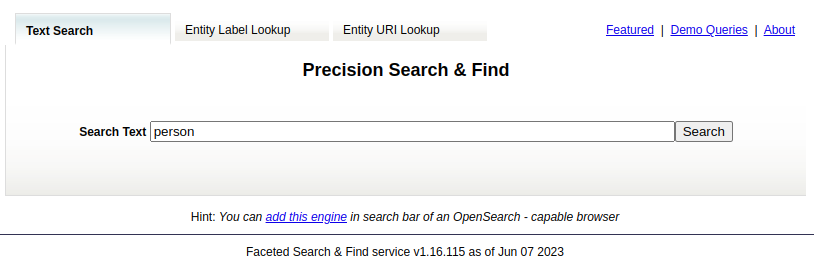
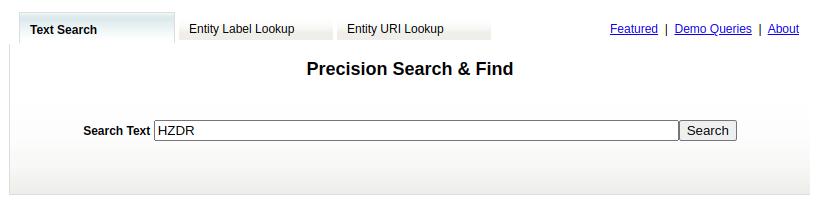
Use the Faceted Browser Search to search for information on "HZDR":
Results of the following form should be returned for the resource being fetched:
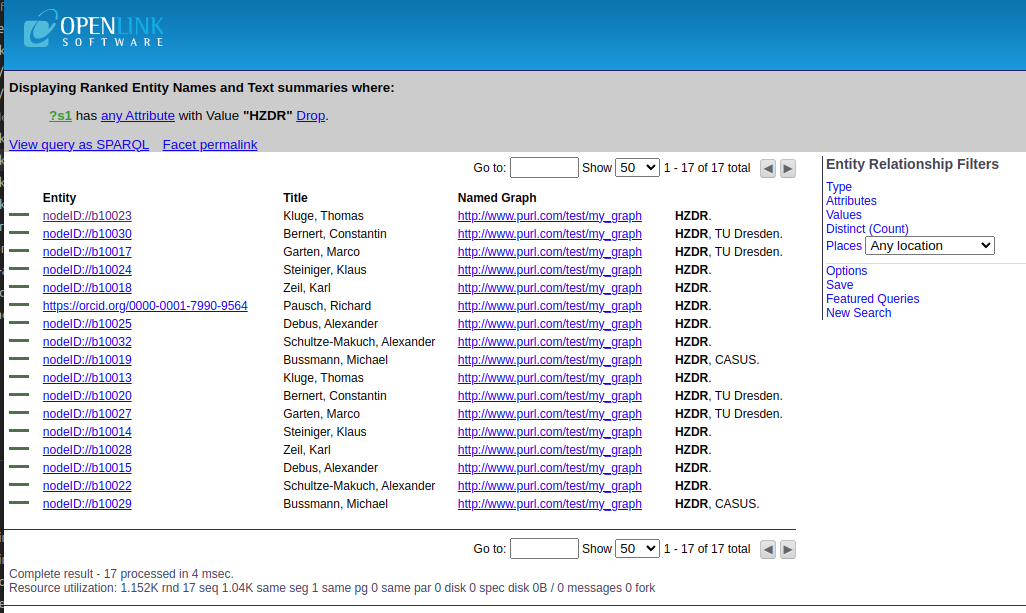
where users can find all entities that are related to HZDR and their title, type, etc. Below is an example of one of these entities:
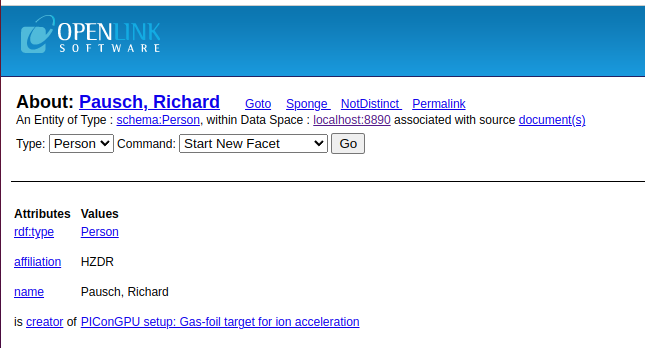
Additionally, users can export these results in various formats, including csv, HTML, RDF (N-triples), RDF (turtule), etc. Here is the results exported as RDF/XML:
<?xml version="1.0" encoding="utf-8" ?>
<rdf:RDF
	xmlns:rdf="http://www.w3.org/1999/02/22-rdf-syntax-ns#"
	xmlns:rdfs="http://www.w3.org/2000/01/rdf-schema#"
	xmlns:schema="http://schema.org/" >
  <rdf:Description rdf:about="https://orcid.org/0000-0001-7990-9564">
    <rdf:type rdf:resource="http://schema.org/Person" />
    <schema:affiliation>HZDR</schema:affiliation>
    <schema:name>Pausch, Richard</schema:name>
  </rdf:Description>
</rdf:RDF>
Entity Label Lookup tab: In the Label auto-complete text box of the Entity Label Lookup tab, enter the name of an rdfs label to be Described, then select a URI from the list of available Labels to obtain a description of the URI.
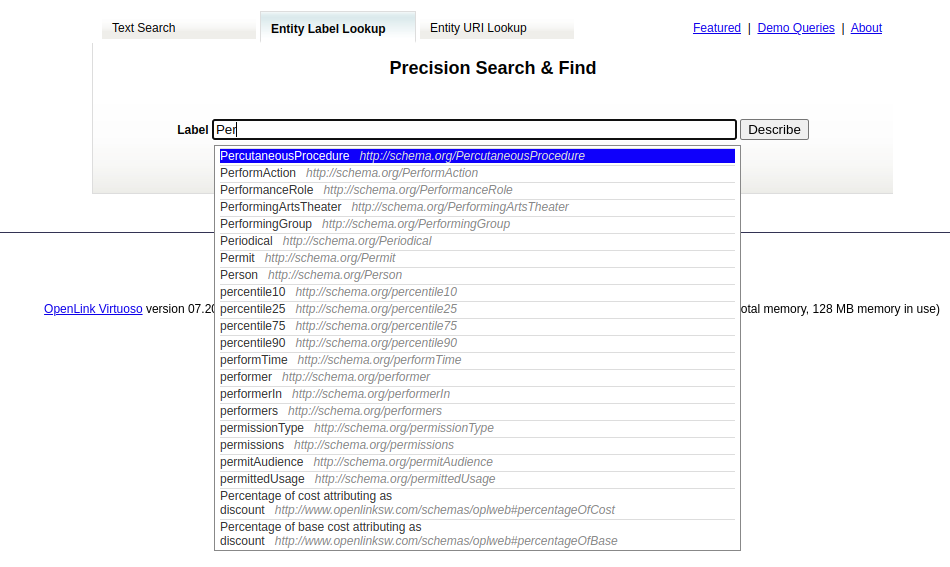
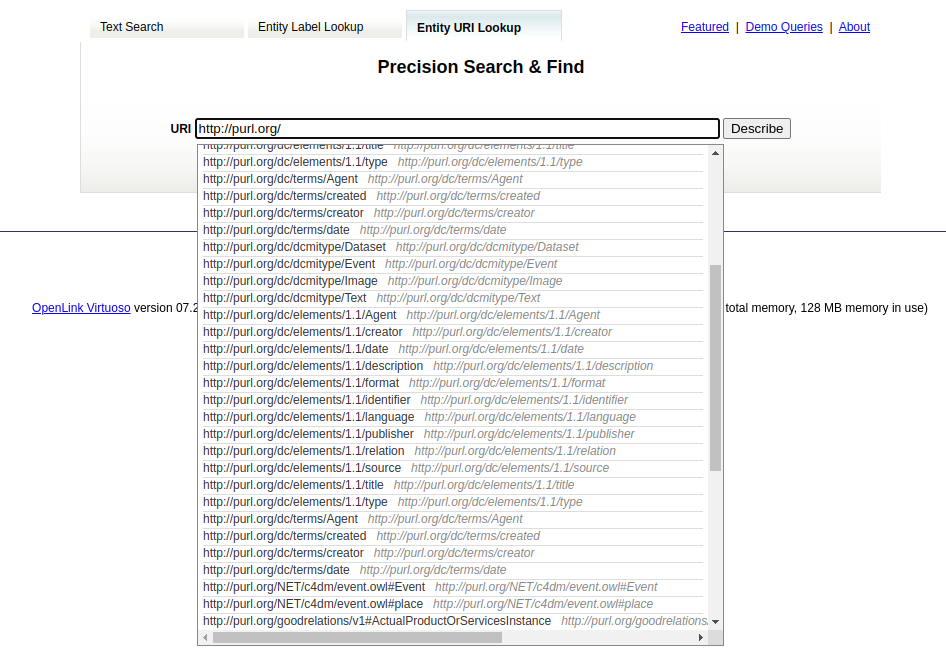
Entity URI Lookup tab: In the URI auto-complete text box of the Entity URI Lookup tab enter the name URI to be Described, then select a URI from the list of available Labels to obtain a description of the URI.